


1
Install Downloader
Install the Downloader app on your device.
Install the official app, add your playlist, then connect with the username and password sent after purchase. Codes and support are only official when they come from LXtream.com.
Follow these steps on Android TV, Android box, Fire TV, or any device that supports Downloader.
Install the Downloader app on your device.

Start Downloader, enter 2678165, click Go, then install the app.

Click Install on the dialog box and open the app when installation is complete.

Click Add playlist, then choose the login method shown in your email.
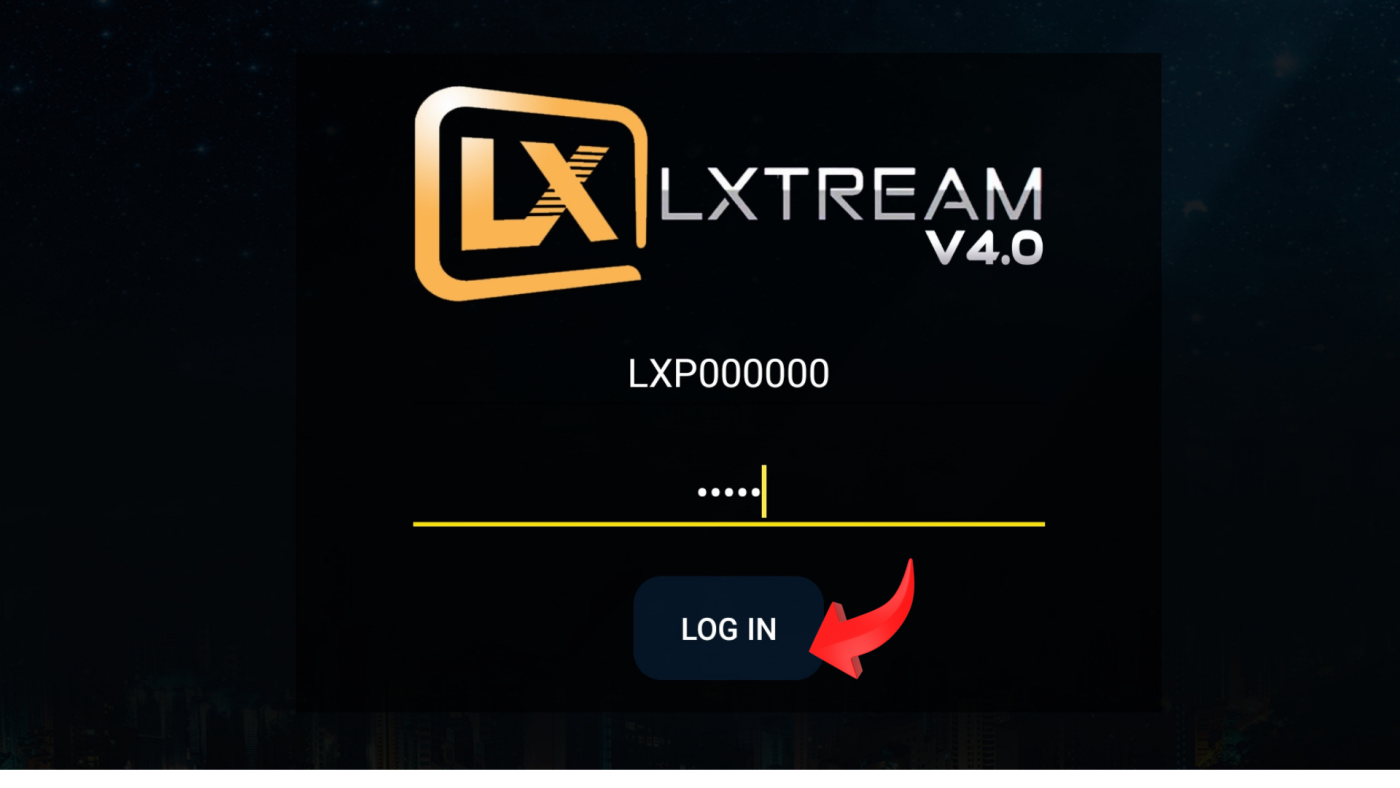
Use the username, password, and M3U URL from your email. Check spam if the email is missing.

Click your playlist, click Connect, then enjoy your channels.
For LXtream Player V2.X, login with username, password, and URL. You can also watch the original video tutorial.


Use code 969373 for the current V4 direct app. Use code 16504 for the legacy V2.2 Firestick guide.

Go to Settings, then Device or My Fire TV.

Select Developer Options.

Enable Debug ADB and Applications from Unknown Sources.

Install Downloader on your Firestick.

Start Downloader, enter 969373 for V4 or 16504 for V2.2, then click Go and install.
These devices use trusted compatible players with the same credentials from your LXtream email.

Install IPTV Smarters, then fill in Name Lxtream, your username, your password, and the Server URL from your email — or check your My Lxtream portal.
Open App Store, search IPTV Smarters Player, install it, then use Name Lxtream, your credentials, and the Server URL from your email or portal panel.

Send us your MAG MAC address by email or live chat. Portal Name: LXPLAYER. Portal URL: pwr55.xyz/c or http://smartchoice.pro/c.

Our 24/7 live support team can set everything up with you. Start a chat from any page or write to lxtreamplayer@gmail.com.